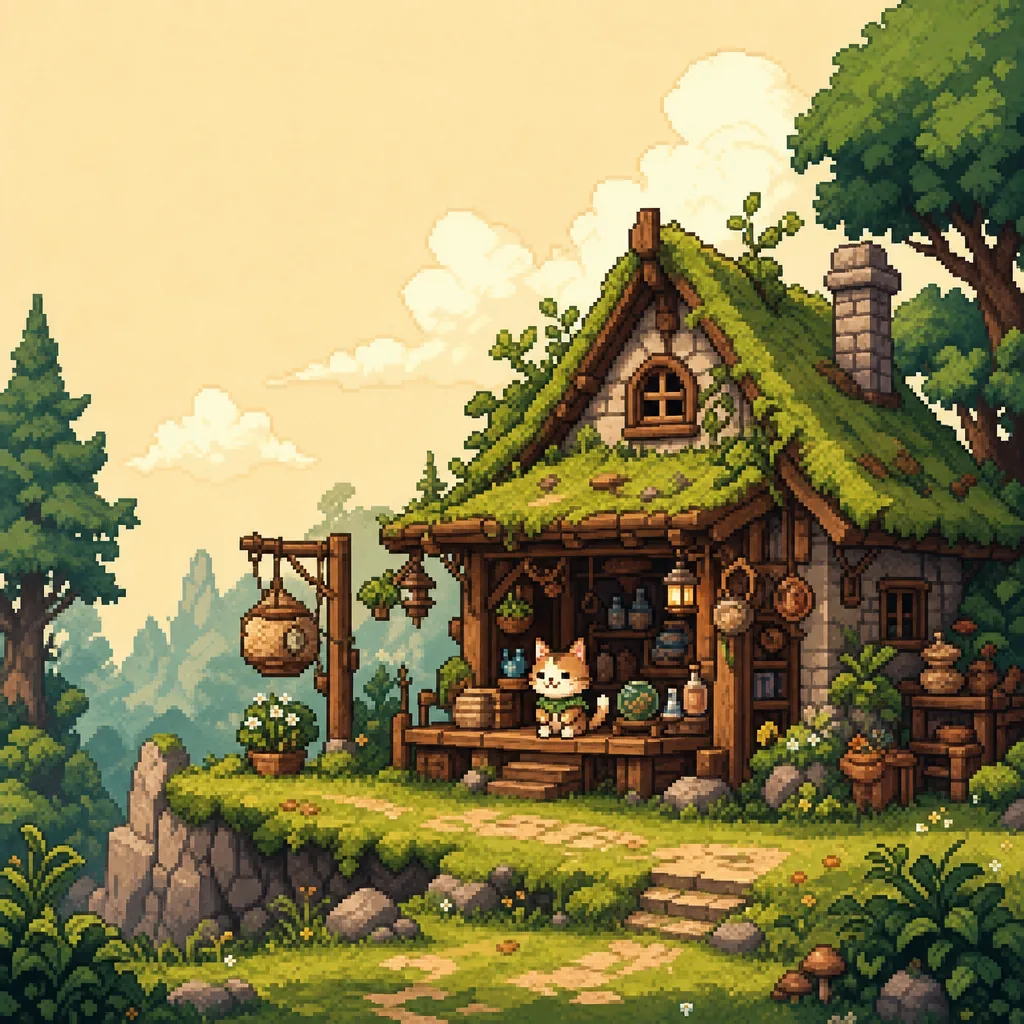
Create editable pixel art from prompts, images, or templates
Generate a sprite, convert an image, or remix a curated template. Palettely keeps every result palette-indexed, so you can swap colors, fix pixels by hand, and export production-ready PNG, SVG, JSON, CSS variables, or a Tailwind theme.
Curated shelf
High-quality starter templates
Image to pixel art
Free image to pixel art converter, built for editing
Upload a sketch, logo, photo, or UI asset, choose a target size and palette mode, then export PNG or keep editing the actual palette-indexed grid in Studio.
Convert an image free
PNG · JPG · WebP
Prompt or pick a template
Keep AI in the loop for fast ideation, but always land on a strict palette-indexed grid that can be edited.
Edit colors and pixels
Swap palettes instantly, tune hex values, click or drag cells, and recover mistakes with undo and redo.
Export production assets
Download source-friendly outputs for design systems, Tailwind themes, front-end prototypes, and games.
Built for code-first creators
Pixel art that fits a real product workflow
Sprites that match your engine's color budget
Stay inside a strict palette. Export grids as PNG sprite sheets or JSON for your engine's atlas pipeline. Lock to GameBoy, NES, or any project palette without leaving the workbench.
Pixel art that ships as design tokens
Every grid is stored as palette indexes. Export the same artwork as CSS variables or a Tailwind config so your retro illustrations and design system share one source of truth.
Brand colors, pixel-perfect
Import a brand palette, recolor the template library in a click, and export PNGs for mockups, presentations, or in-app art without re-rendering when colors change.
Code-first exports
Other tools stop at PNG. Palettely keeps the palette editable.
Every grid is stored as palette indexes, so a color swap updates the whole artwork and the exported CSS, Tailwind config, JSON, SVG, and PNG stay in sync.
colors: {
  palettely: {
    background: '#f7ead9',
    outline: '#2d2630',
    accent: '#f6d85b',
    shirt: '#2f6f73'
  }
}
Template library
Start from curated pixel grids
Is Palettely an AI product?
Yes, but not only AI. Prompts help you explore quickly, while curated templates and palette-indexed editing keep the output clean and predictable.
Can I use the exports commercially?
The generated files are meant for production use in apps, games, prototypes, and marketing assets. Account-level licensing can be expanded later for paid tiers.
Why export CSS and Tailwind?
Pixel art is often part of a product surface. Code exports let a palette move directly into UI themes, design tokens, and game tooling.
Do I need an account?
No account is needed to create, edit, or export. Publishing community works asks you to sign in so ownership and moderation stay manageable.
Make the next sprite.
Start with a prompt, an image, or a template, then keep the palette editable through export.
Create pixel art free